Computer A wants to
Network: group of interconnected things
Computer A wants to
communicate to Computer B
Computer network: network that allows nodes to share resources over a communication link
communicate to Google
(Same Network)
(Different Network)
Internet is the biggest network that we have on planet


Network segment: Distinct section of network, sub-division of connected devices

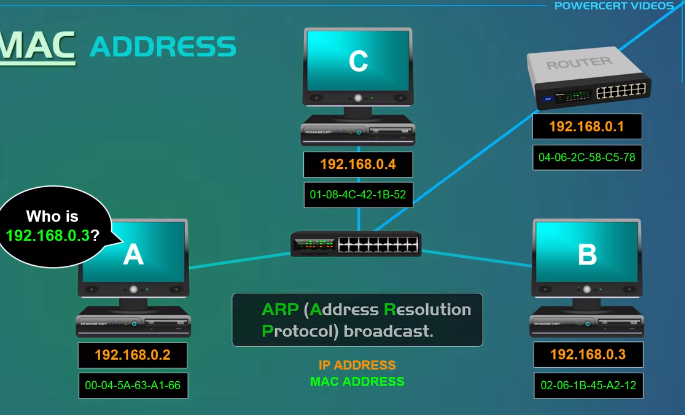
MAC(Media access control) Address
Uniquely identifies NIC (network interface controller) from entire world
Uses 6 hexits 00:1A:2B:3C:4D:5E
Network devices communicate using MAC Addresses and IP Addresses
IP Address locates a device (can change)
MAC Address identifies a device


Used at Data link layer (Layer 2) for delivering data frames between devices on same network
There are 281 Trillion MAC addresses
Bluetooth is a network where two or more devices connect and share files
Purany zamany mein RJ45 connector laga ke files transfer ki jaati thin
NIC is computer hardware component that connects to a computer to computer network
Server: A computer program that provides functionality for clients


Network types
The difference is ONLY due to distance
- Personal Area Network: Covers a room
- Local Area Network: Covers a single building
Internet world wide links
- Metropolitan Area Network: Covers a city
- Wide Area Network: Covers largest area (continents) e.g. Internet

Topology
Arrangement of Elements(links nodes) of a computer network


DSL router
DHCP(Dynamic Host configuration protocol)
Network management protocol

Follows client server architecture
DHCP server dynamically assigns IP Address to each device so they may communicate with other IP Networks. In absence of DHCP server computer needs to be manually assigned an IP Address
Nowadays on a DSL router DHCP server is configured by default


Works on Layer1 ~ is a hardware device
Only one Input and Output port
Data signals strength decreases after some meters
Repeater Regenerates the strength of signal to original strength

Works on Layer1 ~ is a hardware device
Multiport repeater
No filtering. When signal sent to one link, is sent to other links connected to Hub too
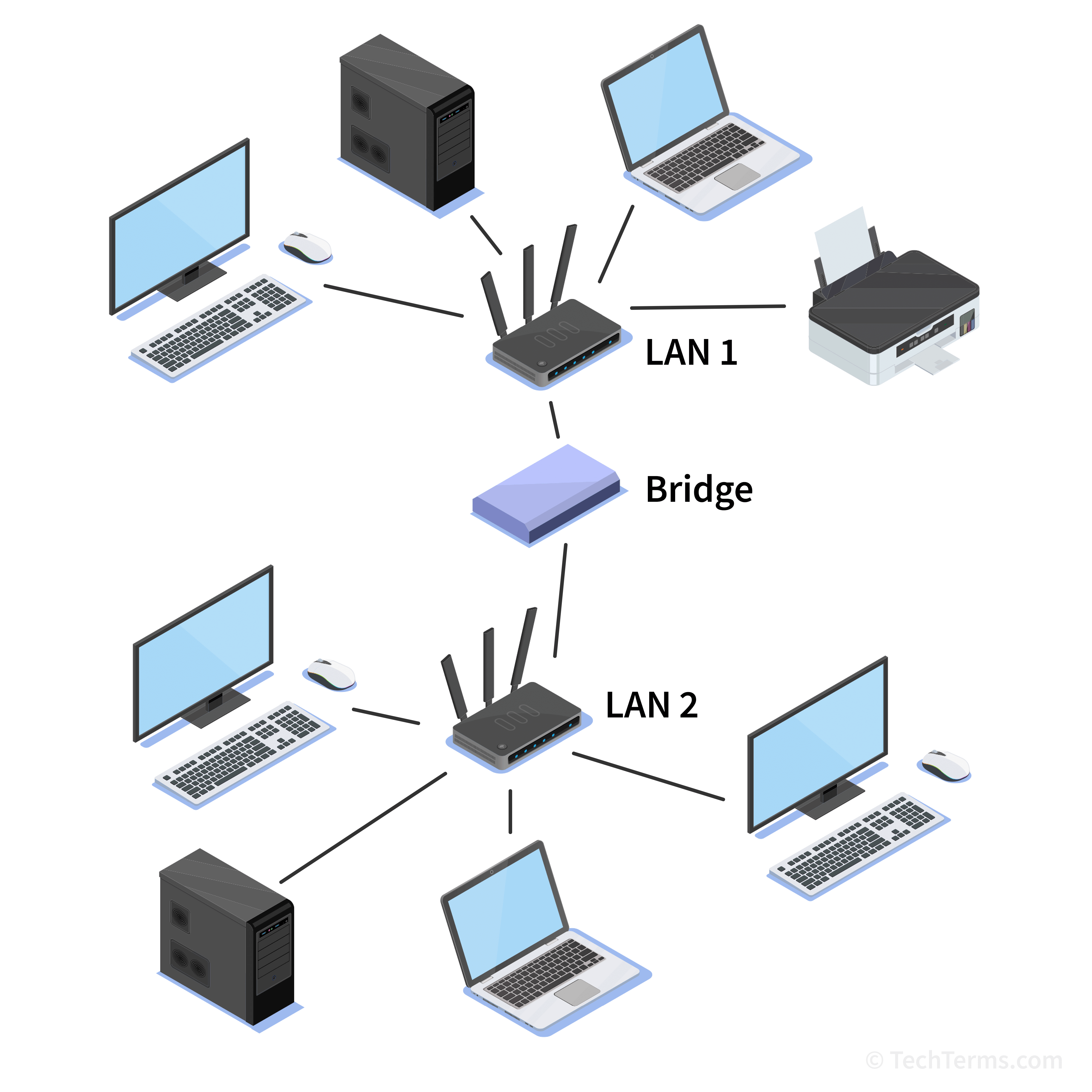


Works on Layer2 ~ is a hardware + software device
Connects two different LANs
Manages MAC | Port table and sends data to respective port
Filtering krta ye. If destination on different segment, it only forwards packet to that segment
Loop prevention using MST blocks redundant paths in network
Works on Layer2 ~ is a hardware + software device
Multiport Bridge
Full duplex link

Traffic is minimal on links, forwards packet only to specific mac address
Works on Layer3 ~ is a hardware + software + Network device
Does Forwarding: Uses Routing table to check kis network mein forward krna packet
Can do Filtering
Can do Flooding
No packets collision inside router as router uses "Store and forward"
IPv4

Uniquely identifies a device on network
Layer 3 protocol
Connectionless protocol
Packets are independent so may take different paths to dest
Best effort delivery
No data recovery features
IP Address
Has two portions
Network portion | Host portion
Network portion specifies a specific network
Routers maintain routing tables based on network portion
Host portion specifies a specific endpoint on network

Was used in internet from 1981 to 1993
1993 onwards classless domain routing is used
IPv6 doesn’t use address classes
IPv4 address classes was replaced by CIDR
Class A
Starts with binary 0 to 127
Intended for large organizations that need vast number of hosts

0000 0000 = 0 (reserved for default network)
to
0111 1111 = 127 (reserved for loopback)
Classes A, B, C are unicast Addresses

Involves one sender and one receiver
Classes D, E are Multicast Addresses
Involves one sender and multiple receiver
Class B
Starts with binary 10 (one zero)
Used for medium sized networks
Binary range:
128.0.0.0 to 191.255.255.255

1000 0000 = 128 (start)
to
1011 1111 = 191 (end)

Class C
Starts with binary 110
Used for smaller networks
Binary range:
192.0.0.0 to 223.255.255.255
1100 0000 = 192 (start)

to
1101 1111 = 223 (end)

Class D
Starts with binary 1110
Reserved for multicast communication e.g. multimedia streaming, online gaming, video conferencing

Used for smaller networks
Binary range:
224.0.0.0 to 239.255.255.255
1110 0000 = 224 (start)
to

1110 1111 = 239 (end)
Class E

Starts with binary 1111
Reserved for networking experimental purposes
Used for smaller networks
Binary range:
240.0.0.0 to 255.255.255.255
1111 0000 = 240 (start)

to
1111 0111 = 255 (end)

Private IP Addresses
Why were private IP Addresses created?
Private addresses are not recognized over internet
- NAT device translates private IP to public IP,
conserves IP Address space (make room for more devices)
maps private IPs to single public IP Address
Assigned by DHCP
Unique only inside LAN

- Public Ips are accessible from anywhere around globe, Private IP addresses add a level of security


Dividing the big network into small networks called subnets
Done to improve performance, security
Modem converts digital signals to analogue signals and vice versa
Is a device that forwards data from one network to another
Router acts as the default gateway
When a person wants to connect to internet, it sends data to default gateway

Router receives your data
Router forwards data to destination
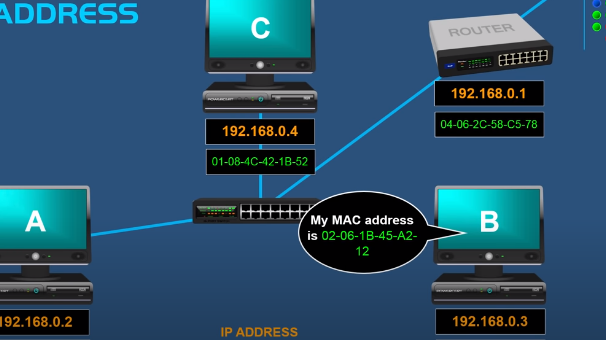
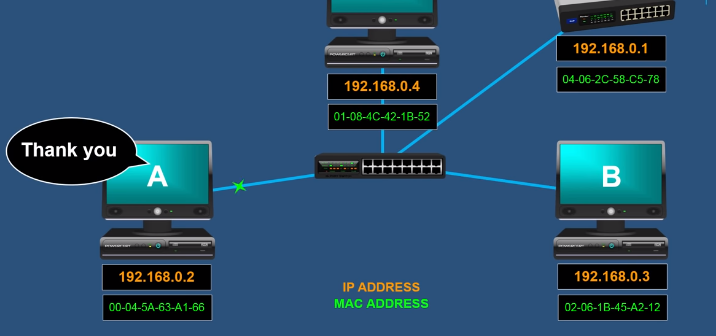
Used to resolve IP addresses to MAC address
a